CMS-1500 paper filing
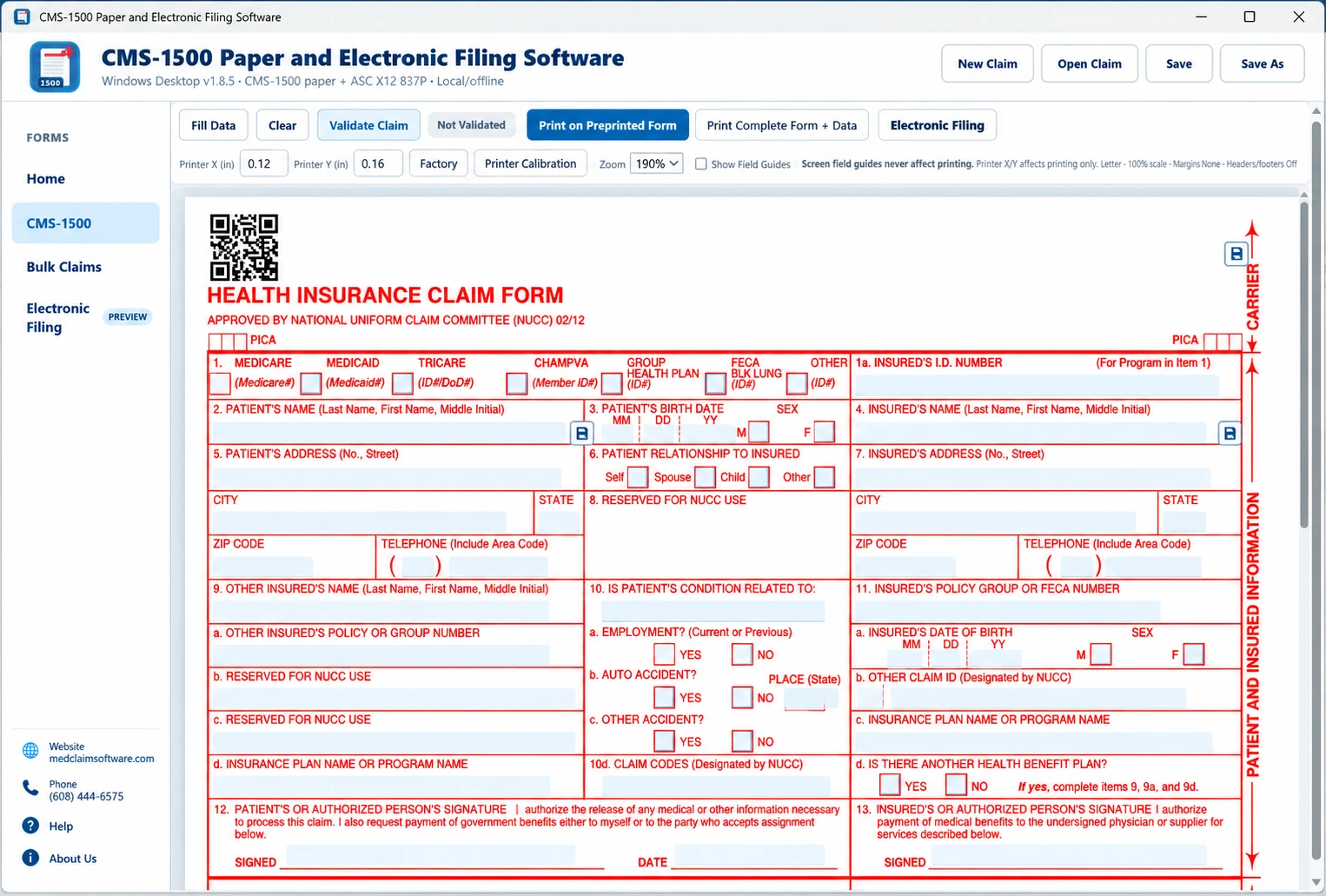
Enter, save, validate, import and print CMS-1500 claims, including printer-alignment controls for preprinted forms.

Professional paper claim software
Prepare, save, reopen, import, validate and print CMS-1500 / HCFA-1500 paper claims from one focused Windows desktop program. Free trial, no credit card required. Choose a $99/year 1-user license or a $249/year 3-user license.
One Windows program
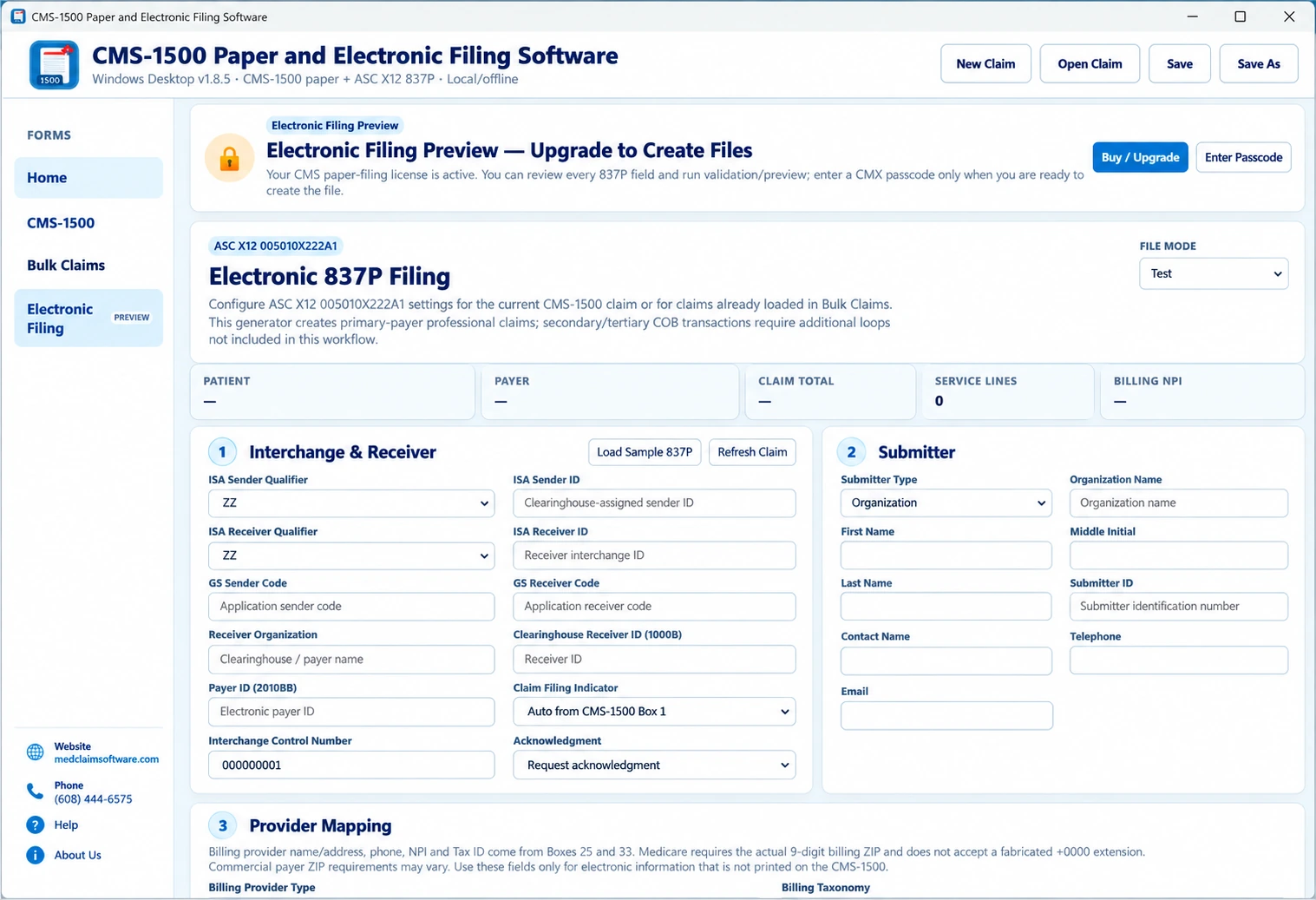
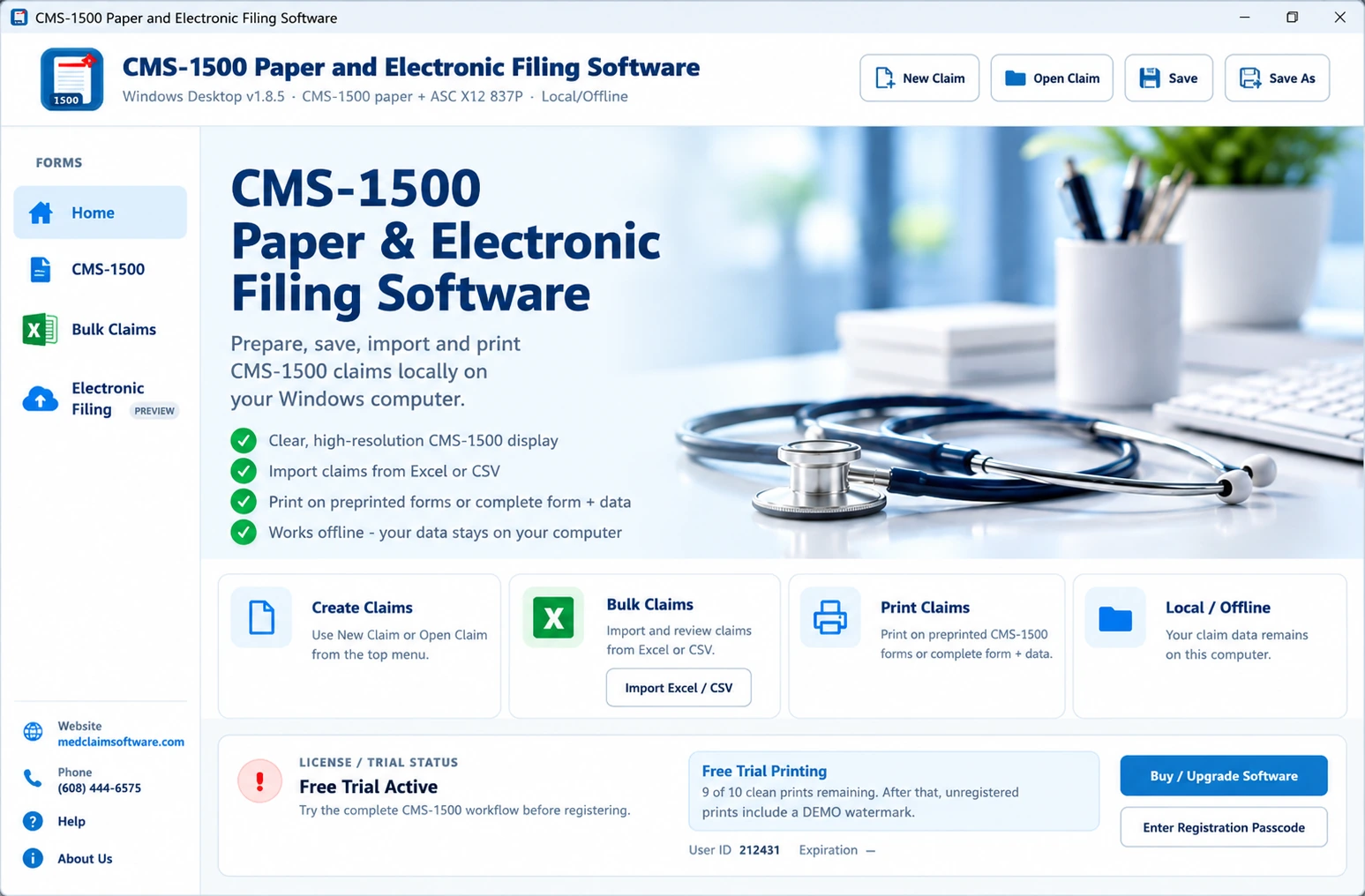
There is one CMS-1500 Windows installer. The paper license activates the CMS-1500 paper filing workflow. The electronic filing license activates the paper workflow plus the Electronic Filing screen used to create professional 837P files.
Enter, save, validate, import and print CMS-1500 claims, including printer-alignment controls for preprinted forms.
Use the same program to enter interchange, receiver, submitter, payer and provider settings, validate claims and create 837P Version 5010A1 files for your outside submission workflow.
Import multiple claims from the supported Excel layout, review grouped claims and service lines, correct errors, then print paper claims or create 837P output.
What you get
The value is not simply putting text on a form. It is reducing the repetitive work around preparing, checking, saving and printing professional paper claims.
Save claims locally, reopen them later and reuse common patient, insured and provider information instead of starting from scratch.
Use the supported import workflow for higher-volume claim preparation when your source data already exists in the required format.
Run a claim review to catch common missing or inconsistent information before you commit the claim to paper.
Adjust X/Y alignment for compatible preprinted CMS-1500 forms and test the exact printer you use in your office.
Saved claim files remain available for editing, reprinting and office recordkeeping according to your own policies.
Use a focused claim program when you do not need scheduling, EHR features, clearinghouse enrollment or a large practice-management platform.
The buying question
A free PDF is useful as a reference. The paid software is for offices that prepare claims repeatedly and want a repeatable workflow.
| Workflow | Free PDF / blank form | CMS-1500 Software |
|---|---|---|
| See the form layout | Yes | Yes |
| Save and reopen claim records | Depends on the PDF tool | Yes |
| Reuse information | Mostly manual | Designed for repeat claims |
| Import supported Excel data | No | Yes |
| Claim validation | Manual | Built-in review |
| Printer alignment controls | Limited to printer/PDF settings | Included |
Who uses it
CMS-1500 is the standard professional paper claim form. Whether paper filing is permitted or required depends on the payer, program and claim situation.
HCFA-1500 is the older name many offices still use for the professional paper claim form now called CMS-1500. This is the same product page to use when you search for HCFA-1500 claim software.
For Medicare, CMS states that downloaded copies of the CMS-1500 should not be used as submission forms because ordinary printing may not reproduce the required scale and OCR-red color correctly. Verify the payer's current paper-claim instructions and use compliant forms when required.
Choose the annual license size that fits your office. The same free trial lets you test the workflow before purchasing.
Popular workflow guides
Use these focused guides to check the workflow you need before downloading the free trial.
When importing claim data can reduce repetitive entry.
How to test and adjust output before printing a batch.
When a focused desktop program makes more sense than a large billing platform.
Why HCFA-1500 searches lead to the current CMS-1500 workflow.
Choose the paper or electronic workflow based on how the payer accepts the claim.
Compare a fillable PDF, focused CMS-1500 software and a larger subscription platform.
Yes. HCFA-1500 is an older name still commonly used for the professional paper claim form now called CMS-1500.
Yes. The Windows trial can be downloaded without a credit card so you can test claim entry, saving and printing before buying.
Yes. The software is designed to save claim information locally and reopen it later for editing, reuse or reprinting.
Yes, supported Excel import is available when the data follows the program's required import layout.
Yes. The software includes printer-alignment controls for compatible preprinted forms. Verify the payer's current form and printing requirements before submission.
Choose the $99 annual license for 1 user on 1 Windows computer, or the $249 annual 3-user license for up to 3 users on up to 3 Windows computers.
No. This product is for CMS-1500 paper claims. For professional electronic claim files, see the separate 837P Electronic Claim Software.